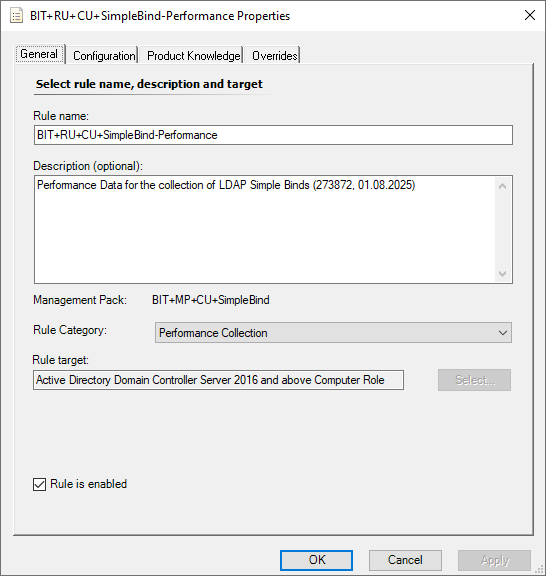
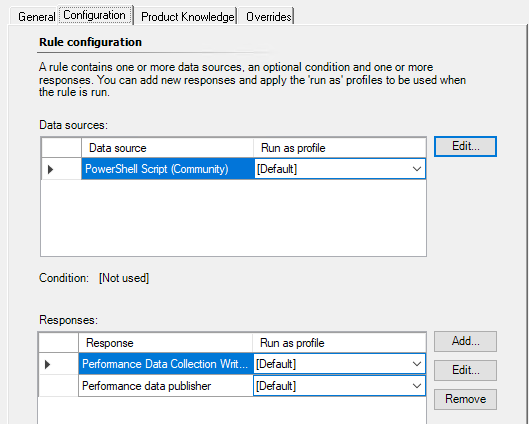
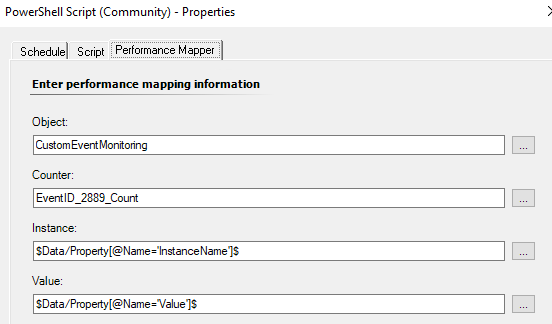
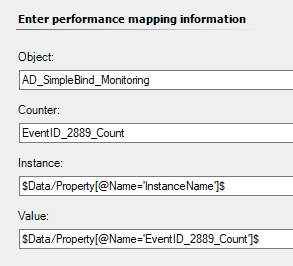
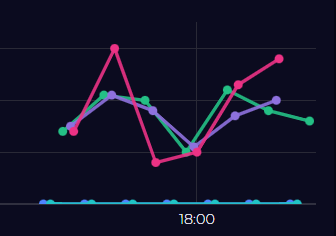
I´m trying to perform a simple query. The number of Event ID 2889 should be counted every 15 minutes and displayed as a performance counter in SCOM.
This is the script (which also works fine locally).
However, I am not receiving any information. I can´t find the problem…
param($ComputerName)

if (-not $ComputerName) {
    $ComputerName = $env:COMPUTERNAME
}

# Count all events with ID 2889 in the directory service log for the last 15 minutes.
$eventCount = Get-WinEvent -FilterHashtable @{
    LogName = 'Directory Service'
    ID = 2889
    StartTime = (Get-Date).AddMinutes(-15)
} | Measure-Object | Select-Object -ExpandProperty Count

# Output in XML format for SCOM Performance Collection
$xml = @"
<PerformanceData>
  <CounterName>EventID_2889_Count</CounterName>
  <InstanceName>$ComputerName</InstanceName>
  <Value>$eventCount</Value>
</PerformanceData>
"@

Write-Output $xml


-----------------
Output (local):
<PerformanceData>
  <CounterName>EventID_2889_Count</CounterName>
  <InstanceName>IDC2</InstanceName>
  <Value>18</Value>
</PerformanceData>
I’ve done a walk though here which will hopefully help. I’ve tweaked slightly e.g. different log, event id and checking every minute just so that I could easily create something similar.
In practice / production, I’d create appropriate classes to target properly but the walk through is more focused on just getting the script to produce data.