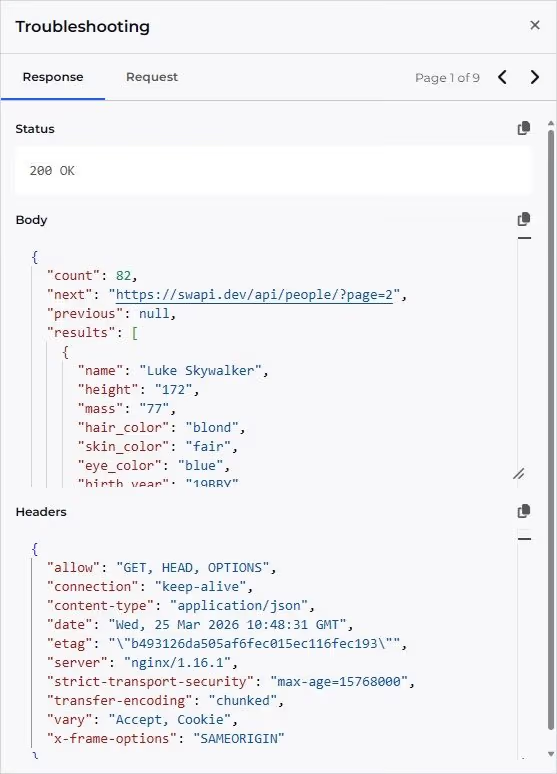
You can now inspect the raw request and response details behind your Web API tiles. When troubleshooting a tile using the Web API data source, a new troubleshooting panel in the tile editor surfaces structured debug information — including HTTP headers, request body, and response data — so you can quickly pinpoint issues like misconfigured pagination, unexpected response shapes, or missing headers.
It's particularly useful when:
- Configuring response transformation, like specifying a particular property or writing a script to transform the response
- Configuring paging for APIs that support pagination
- Checking the relevant headers, parameters, and body are being sent as expected
- Viewing the full response payload, including headers and web links
You might also spot that we've renamed the Response tab to Transform to better reflect its purpose.
View all release updates: Changelog | SquaredUp