Dear Squaredup community,
I am reaching out to ask for your support and advice regarding several dashboard features that would greatly enhance our team’s workflow.
-
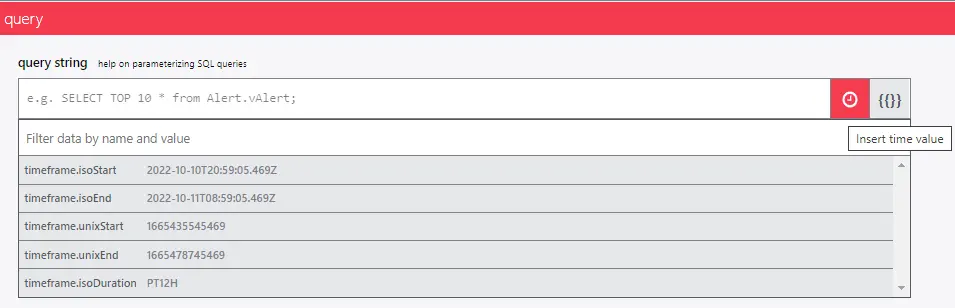
Is it possible to implement a calendar or button on the dashboard to select the desired time range for displayed information? Currently, I have added a time filter within my SQL query to show only the last 48 hours, but a user-friendly calendar or quick-select button would be much more efficient.
-
Can we enable a global search function for dashboards that would affect all components within a dashboard? At present, searching within an SQL grid tile does not reflect across other tiles, and the search bar at the top searches the entire site rather than just the dashboard. I would appreciate any guidance or suggestions on achieving a dashboard-specific search.
-
Finally, is there a way to allow non-admin team members, such as our DBAs, to use the drilldown function on server information within the dashboard? Currently, only platform admins are able to access this feature, which limits our team’s ability to troubleshoot and investigate issues efficiently. If there is a workaround or configuration that would grant drilldown access to non-admin users, I would be grateful to learn more.
I value the community’s experience with these features and would welcome any advice or alternative solutions that could help us achieve these outcomes. Thank you for considering my suggestions and for your continued support.
Kind regards,
Dandiara Cruz